 afterword
Voice notesto LinkedIn posts.
Say what you think. Afterword writes the post in your voice.
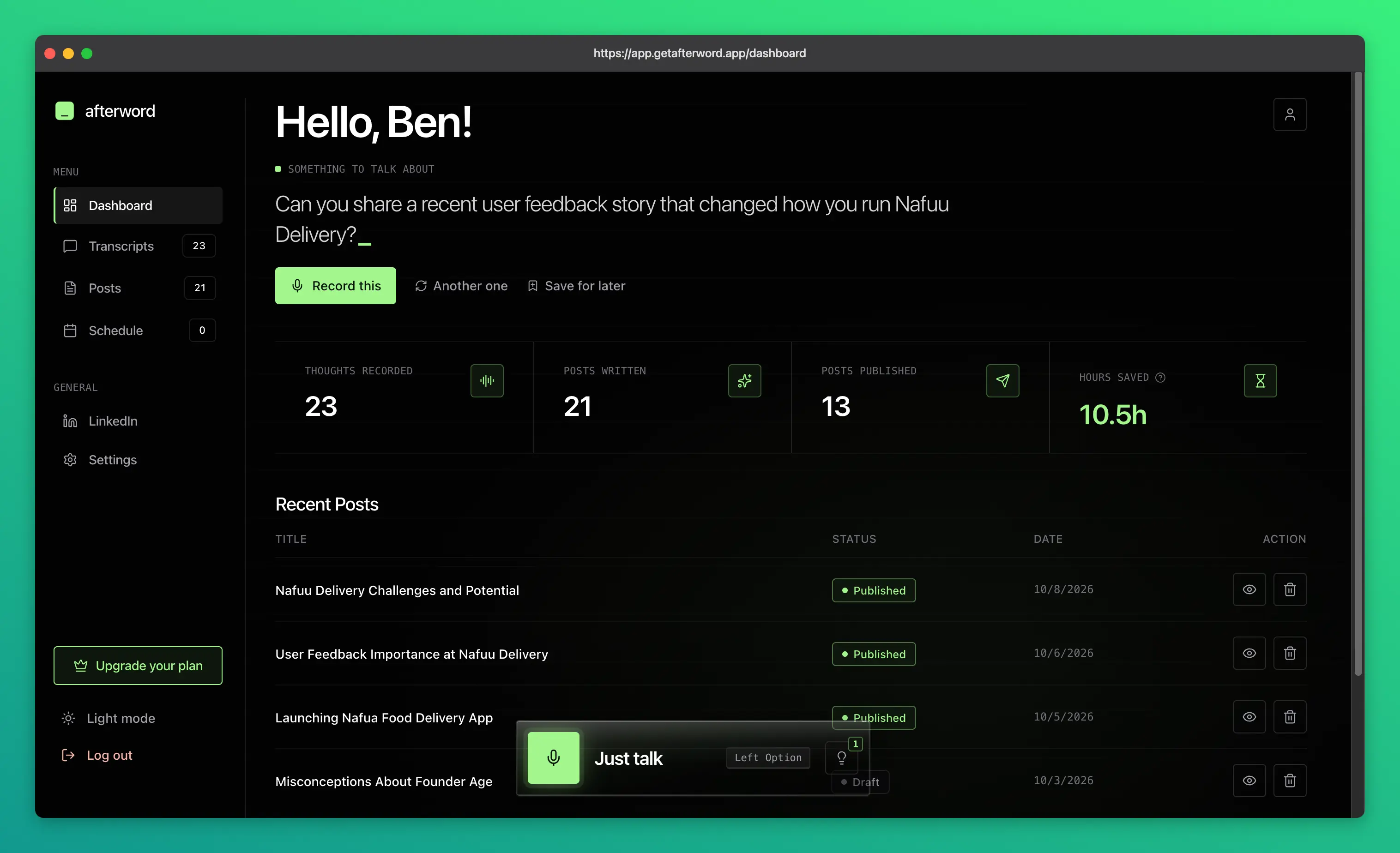
 Why Afterword
Say it once. Get a LinkedIn post you'd actually publish.

Talk through an idea. Get a LinkedIn post back ready.
Speak, don't draft.
Talk through an idea the way you already think it. Afterword writes it up as a LinkedIn post: a strong first line, short paragraphs, one idea.
No prompt to write first.
You don't have to explain the context, the format, or how you write. Hit record, and the post comes back ready to edit.
Sounds like you.
Paste one of your LinkedIn posts and Afterword learns your voice. Every edit you make teaches it a little more.
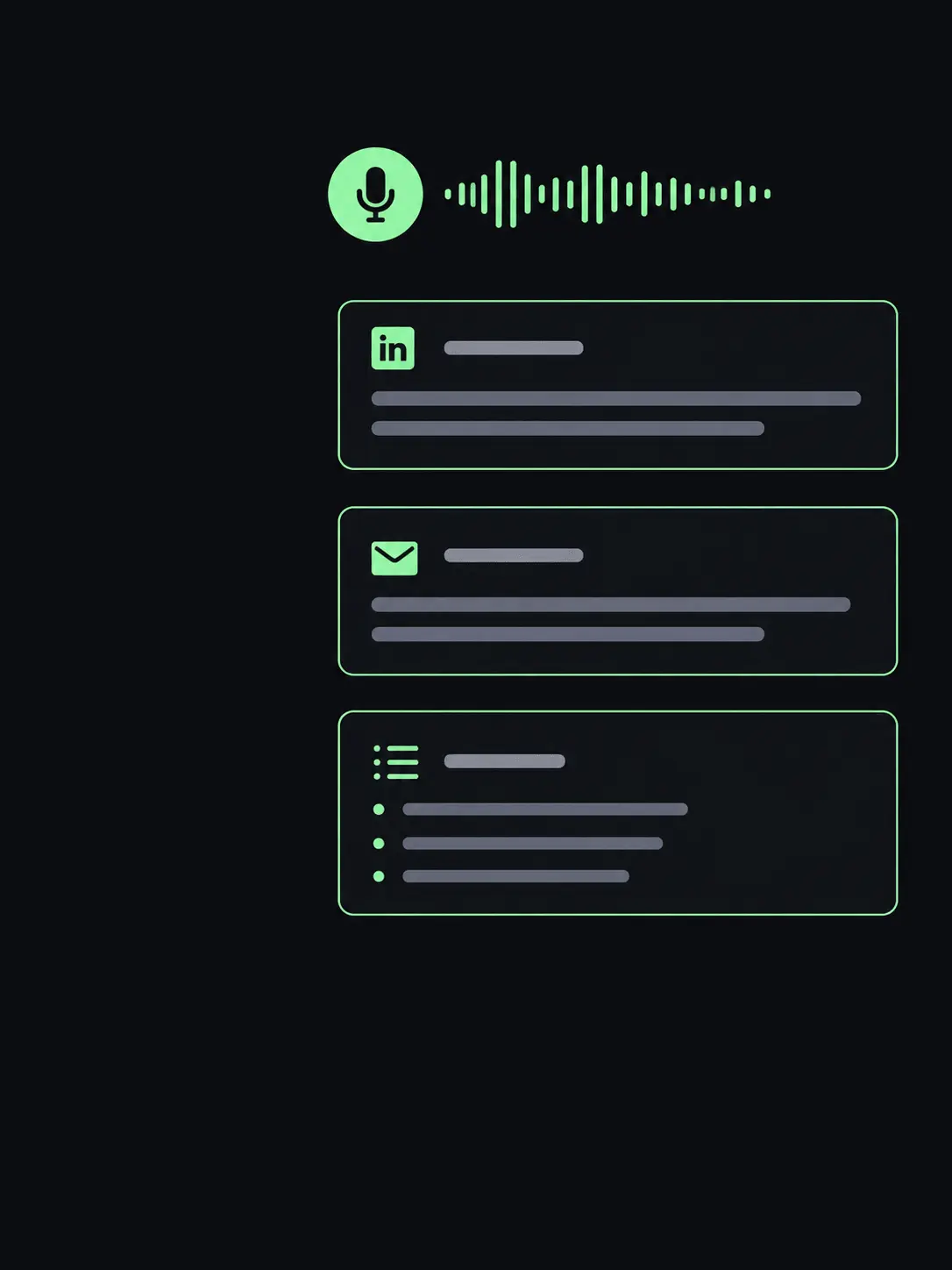
Built for people who talk more than they type.
Made for founders and professionals building a presence on LinkedIn who have plenty to say and no time to sit with a blank page.
Start free with 5 posts a month.
Open Afterword, say something, and get a real LinkedIn post back. Publish it in one click when you like it.
Transparent PlansUpgradeto Premium
Unlimited posts, talk as long as you want, and schedule posts to LinkedIn.
Free
Try it on your next five LinkedIn posts.
Premium
For people who post on LinkedIn every week.
$8.25/mo billed annually
Knowledge BaseFrequentlyAsked Questions
The questions people ask us most.
What does Afterword do?
You talk. Afterword turns what you said into a LinkedIn post written in your voice, ready to edit, publish, or schedule.
How is this different from ChatGPT or Claude?
You don’t have to explain the context, say what you want, or teach it how you write. You speak the way you already think, and the LinkedIn post comes back.
Do I need to organize my thoughts before I hit record?
No. Talk through the idea, or just say what’s on your mind. It doesn’t have to sound finished.
Will the post sound like me?
That’s the point. Paste a LinkedIn post you’ve written when you sign up, and Afterword learns your voice from it. Every time you edit a post, it learns a little more.
Can I publish straight to LinkedIn?
Yes. Connect your LinkedIn profile and publish in one click. On Premium you can also schedule posts for later and see them lined up on a weekly calendar.
Which languages does it support?
You can speak and post in 19 languages, including English, Spanish, French, German, Portuguese, Hindi, Arabic, and Japanese. On Premium you can speak in one language and post in another.
Who is it for?
Founders and professionals building a presence on LinkedIn who have plenty to say and no time to sit down and write it.
Can I try it for free?
Yes. The free plan includes 5 LinkedIn posts a month, recordings up to 3 minutes, and one-click publishing. Premium makes posts unlimited and adds scheduling.